Apps, websites, files, and commands
Create a named launcher for an application, website, file, folder, or command. Keep the targets you use together close at hand, with names that make sense for your work.
Docktopus for macOS
Separate launchers for another account or project, with their own data folder, arguments, and website sign-ins.
Three distinct themes. Light and dark presets. Free to try, one purchase to keep.
Launcher profiles
Keep your regular app beside a separate profile for another account or project. Name each launcher, choose its target, and return to the right instance from your dock—for example, a dedicated Codex profile for work.
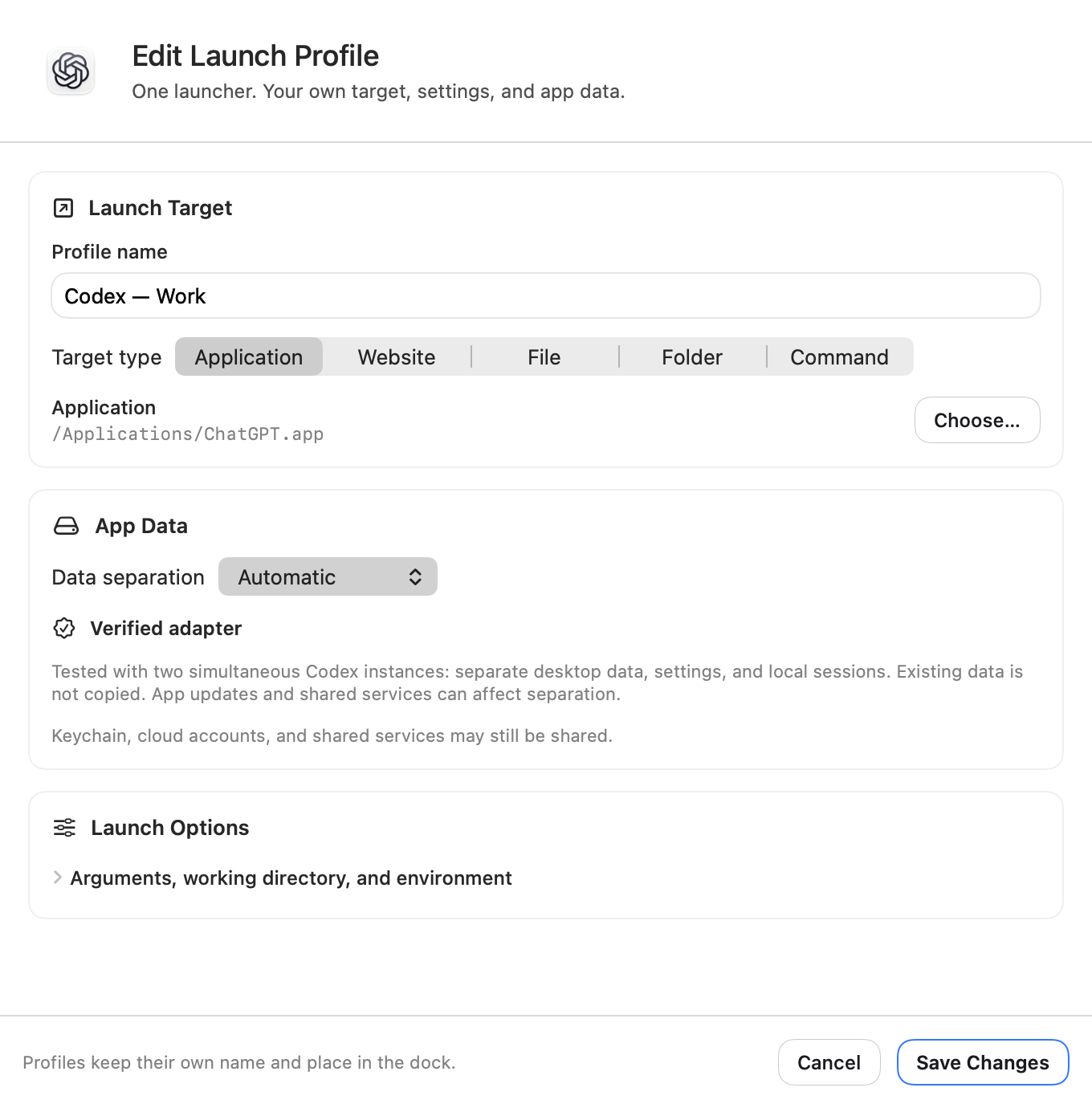
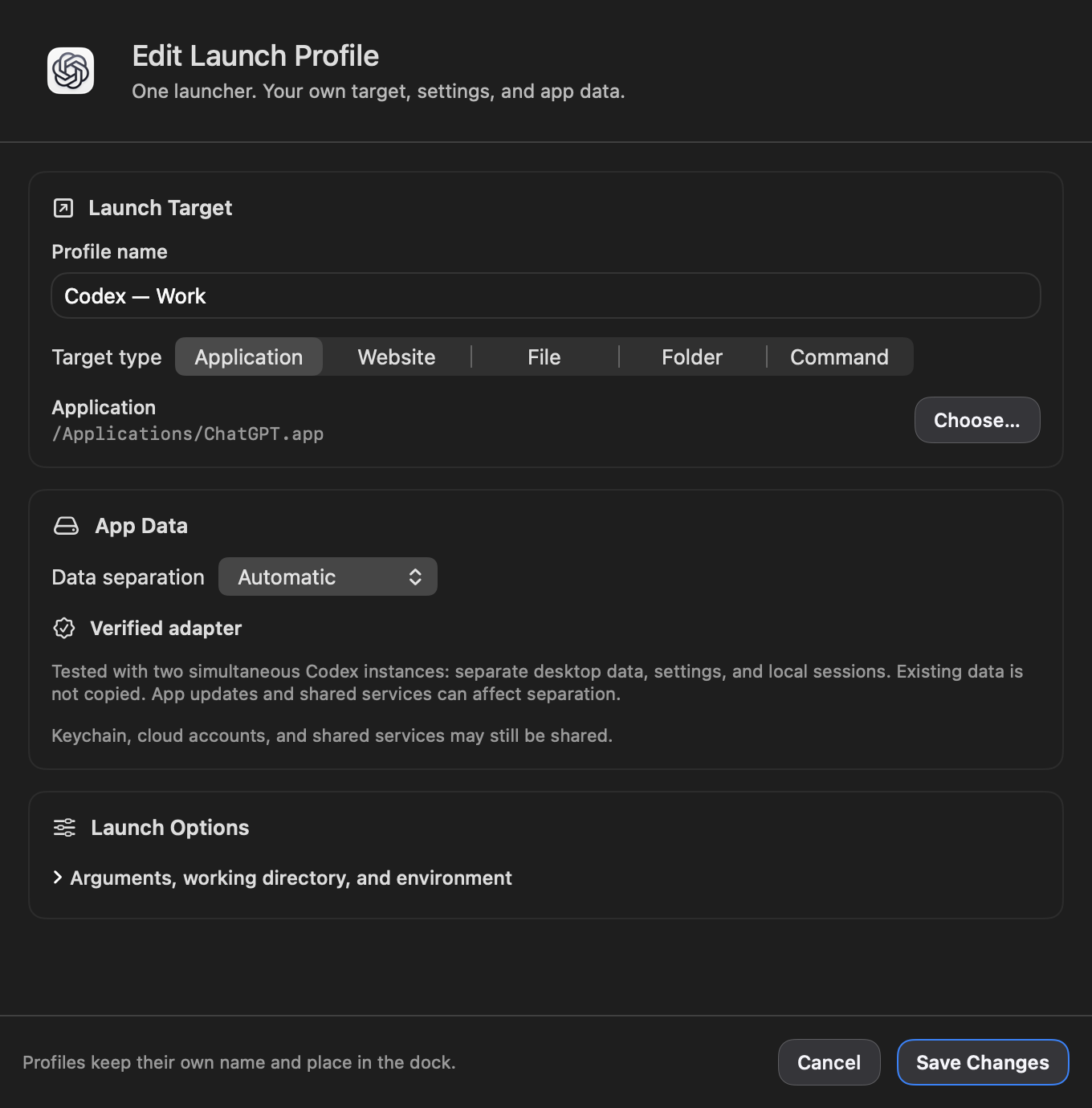
Create one in Settings → Dock → Add… → Add Launch Profile. Select it in Dock settings to edit it later. Click a screenshot to view it full size.
Create a named launcher for an application, website, file, folder, or command. Keep the targets you use together close at hand, with names that make sense for your work.
Use Automatic data separation for supported apps, choose a custom data folder, or leave separation off to use existing app data. The editor explains the selected app’s support and any setup it needs.
Open a website as an isolated web app with cookies and sign-ins saved for that profile. Back, forward, reload, and Home controls keep navigation nearby. You can also choose your default browser and use its existing accounts.
Set arguments, a working directory, and environment variables for each app or command. Advanced options stay out of the way until you need them, and validation points to entries that need attention before saving.
Opening a running app profile brings back its own windows. Opening and Running states make activity clear, while Quit Profile targets that profile. Where macOS provides a badge for each instance, it appears on the matching launcher.
The profile editor follows Liquid Glass, CDE, and Windows 95 in light and dark. Clear target fields, expandable launch options, and always-visible Save and Cancel controls keep setup familiar.
App data separation depends on the application and does not copy an existing profile. Keychain items, cloud accounts, and shared services may still be shared; it is not a macOS security sandbox.