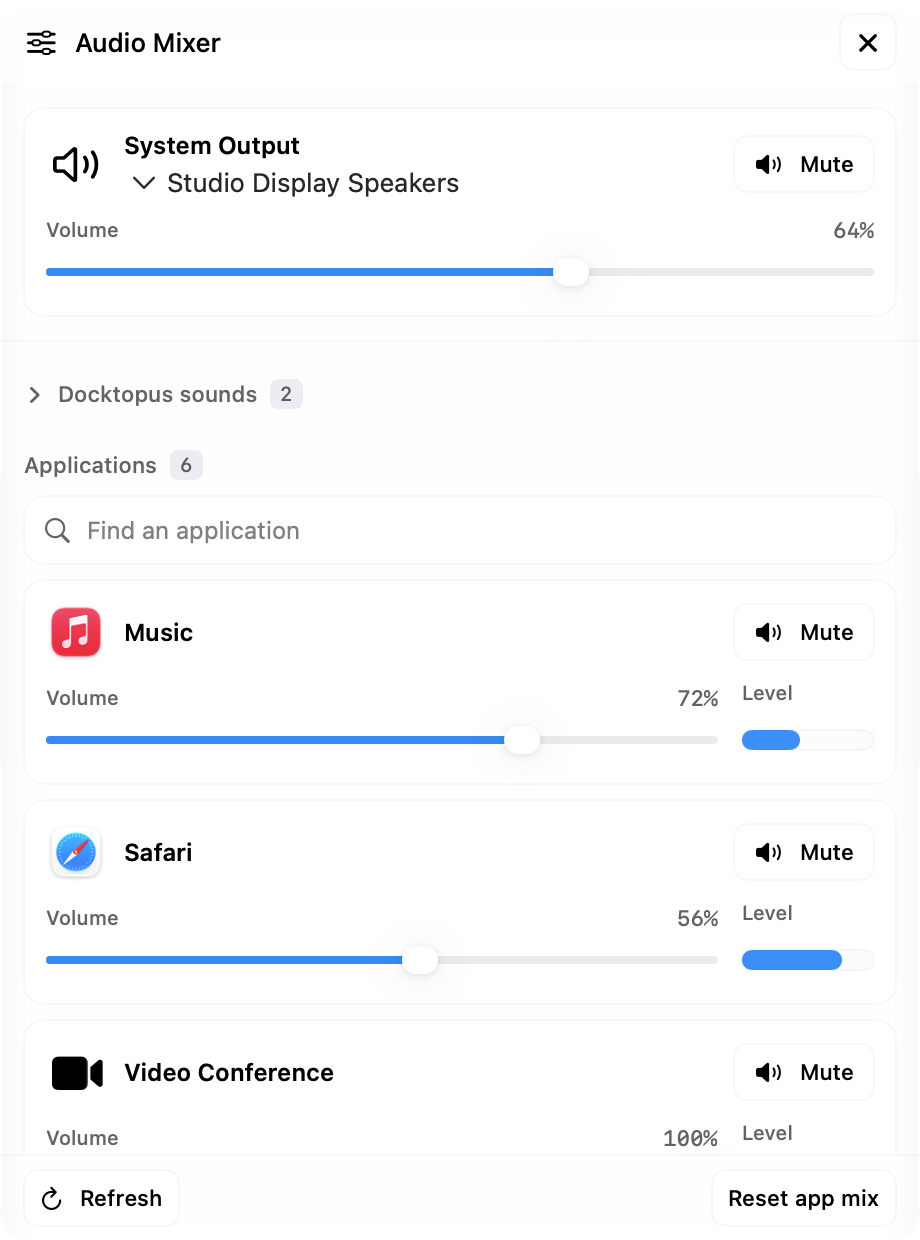
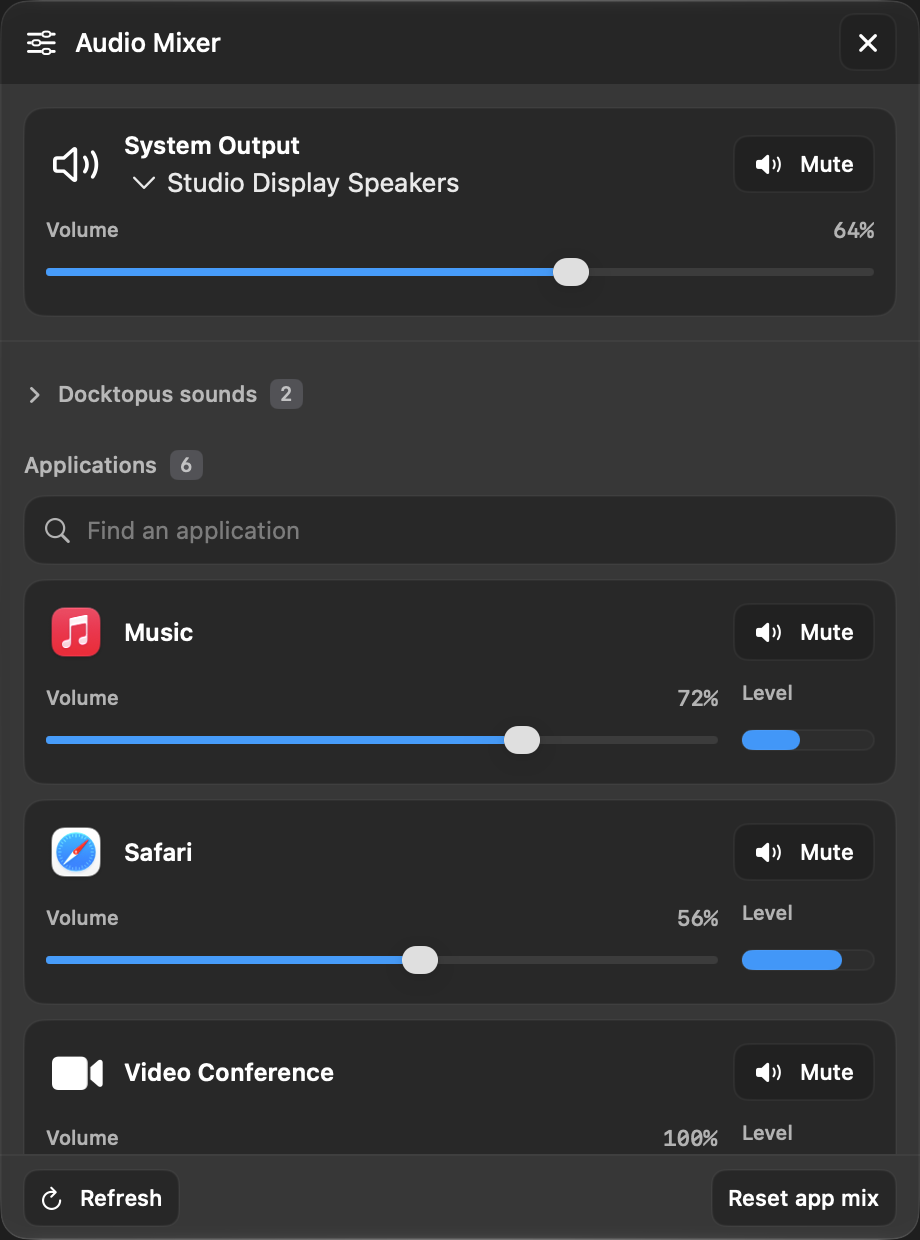
Choose where sound goes
Open Audio Mixer from the dock widget, menu bar, or Dynamic Island to manage system volume and app audio.
Switch between available output devices, then adjust system volume or mute the output where the device supports it. Outputs without software volume control use the controls on the device itself.
Balance applications independently
Adjust volume or mute each application playing audio, watch its audio level, and search the list when several apps are active. Per-app audio controls require macOS 14.2 or later.
Keep your mix close by
Adjust enabled keyboard and mouse soundpacks separately. Choose and preview packs in Sound settings; their volume and mute stay in sync with the mixer. Saved per-app volumes return automatically; restore one application to full volume or use Reset app mix to restore all saved application volumes and unmute them.